
12 Best AI Tools for Developers to Use in 2025

Artificial intelligence is no longer a futuristic concept; it's a core component of the modern development stack. From accelerating mundane tasks to unlocking complex problem-solving capabilities, AI tools are fundamentally changing how software is built, tested, and deployed. For developers, staying competitive means integrating the right AI-powered assistants, platforms, and frameworks into your daily workflow. The challenge isn't whether to adopt AI, but which specific solutions will genuinely enhance productivity without adding unnecessary complexity.
This guide cuts through the noise to showcase the 12 best AI tools for developers, categorized by their specific function. We're moving beyond generic feature lists to provide an authoritative roundup that helps you find the right platforms for your needs, complete with direct links and screenshots for every entry. You will learn which tools excel at code generation, which platforms are best for hosting and fine-tuning models, and which observability solutions are critical for production-grade AI applications.
We'll dive into everything from foundational model APIs and IDE-integrated coding partners to the essential observability platforms and prompt engineering hubs that make building with AI possible. We analyze key features, ideal use cases, and practical limitations to help you make informed decisions. Whether you're a prompt engineer looking for advanced workflows or a DevOps professional integrating AI into your pipeline, this list provides the clarity needed to build faster, smarter, and more efficiently.
1. PromptDen
PromptDen establishes itself as a premier, community-driven hub for high-performance AI prompts, making it one of the best AI tools for developers looking to accelerate their projects. It serves as a comprehensive ecosystem for discovering, building, and even monetizing prompts across a vast spectrum of AI models. This platform moves beyond a simple repository by integrating powerful tooling and a vibrant marketplace, positioning it as an essential resource for both novice and expert prompt engineers.
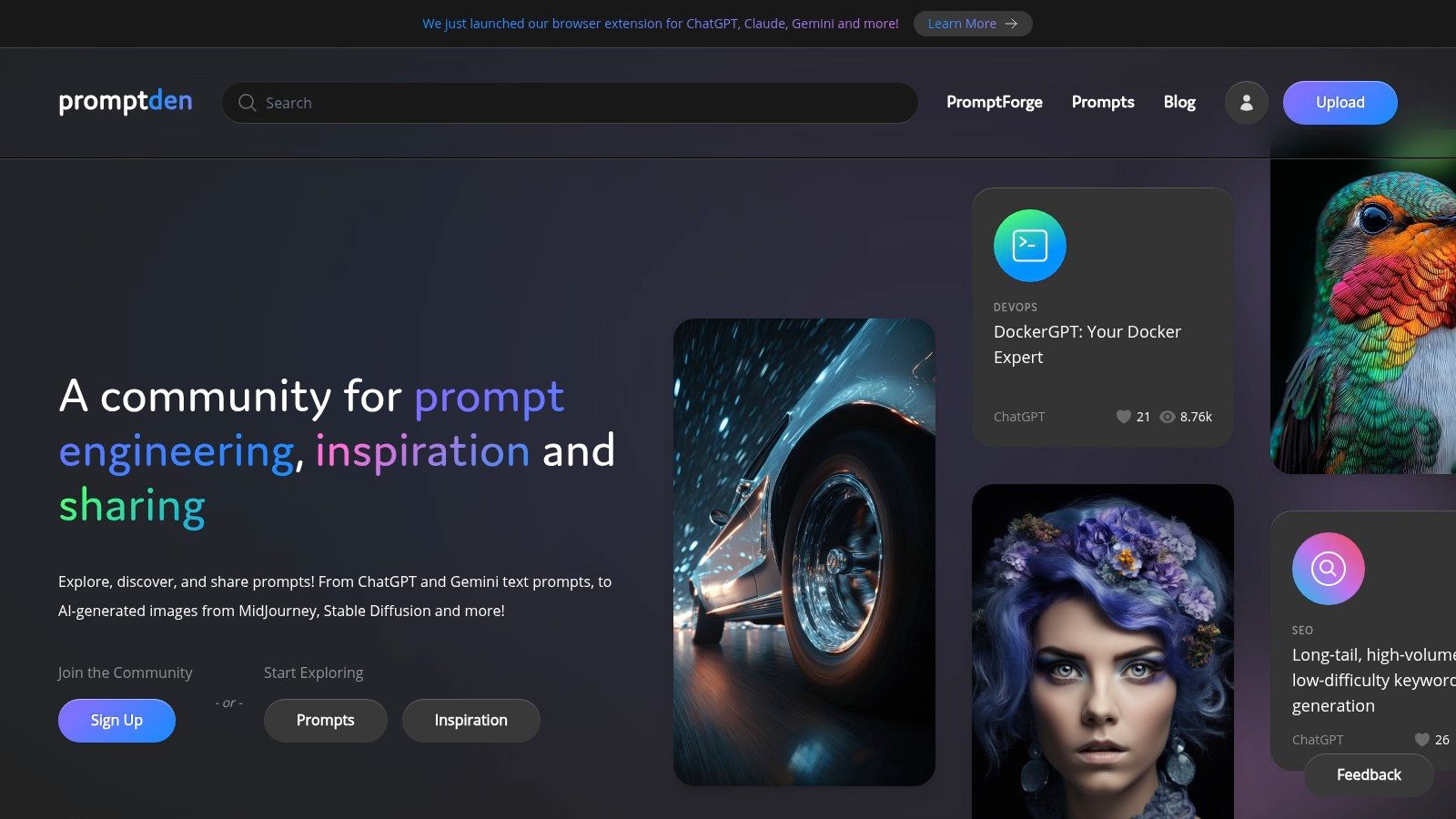
Unlike generic prompt lists, PromptDen provides a structured environment where developers can find battle-tested solutions for specific needs, from generating boilerplate code to optimizing database queries. The platform's social proof, evidenced by high engagement metrics on popular categories like DevOps (~218k views) and SEO (~266k views), helps surface prompts that deliver consistent, high-quality results.
Core Features & Developer Use Cases
PromptDen’s feature set is strategically designed to support the entire prompt engineering lifecycle.
- Multi-Model Support: The platform offers curated prompts for an extensive range of models, including text-based LLMs (ChatGPT, Gemini, Claude), image generators (Midjourney, Stable Diffusion), and video tools (Veo). This allows developers to standardize their prompt discovery process regardless of the underlying AI stack.
- PromptForge Tool: This integrated prompt builder and iterator allows developers to construct, test, and refine complex prompts within the platform. It’s ideal for crafting sophisticated prompts for tasks like API integration, code refactoring, or generating technical documentation.
- Workflow Integrations: Browser extensions for ChatGPT, Gemini, and Claude enable developers to push prompts directly from PromptDen into their AI sessions. This seamless integration eliminates context switching and dramatically speeds up the test-and-iterate cycle.
- Community & Marketplace: The built-in marketplace allows developers to monetize their expertise by selling high-value, specialized prompts. It also serves as a source for acquiring pre-vetted prompts for niche technical challenges, saving significant development time.
Ideal Use Case: A DevOps engineer needs to generate a complex Kubernetes deployment manifest. Instead of starting from scratch, they can browse the "DevOps" category on PromptDen, find a highly-rated, community-vetted prompt, and use the browser extension to instantly test and adapt it in their ChatGPT session, completing the task in minutes.
Pros, Cons, and Key Considerations
Pros:
- Comprehensive Coverage: Supports text, image, and video prompts for all major models, making it a versatile, one-stop shop.
- Monetization Opportunities: The integrated marketplace empowers prompt engineers to earn from their creations.
- Practical Workflow Tools: Browser extensions and the PromptForge tool are built for rapid, real-world application.
- Active Community: Social proof and trending lists help quickly identify effective and reliable prompts.
Cons:
- Opaque Pricing: The lack of transparent pricing for marketplace fees or potential premium features requires signup to understand costs.
- Variable Quality: As a community-sourced platform, the quality of prompts can vary. Developers should always vet and customize prompts before using them in production environments.
Pricing: Access to the platform and community prompts is generally free. Monetization is creator-driven through the marketplace, where authors set prices for their prompts and assets. Specific platform fees or transaction costs are not publicly listed.
Website: https://promptden.com
2. OpenAI Platform (models + APIs)
The OpenAI Platform is the foundational entry point for developers seeking direct access to some of the industry's most powerful and versatile AI models. While many tools wrap OpenAI's technology, going directly to the source provides maximum control, the latest model releases like GPT-4o, and cost-effective, pay-as-you-go access. This platform is essential for anyone building applications that require state-of-the-art text generation, reasoning, multimodal understanding, or embeddings.
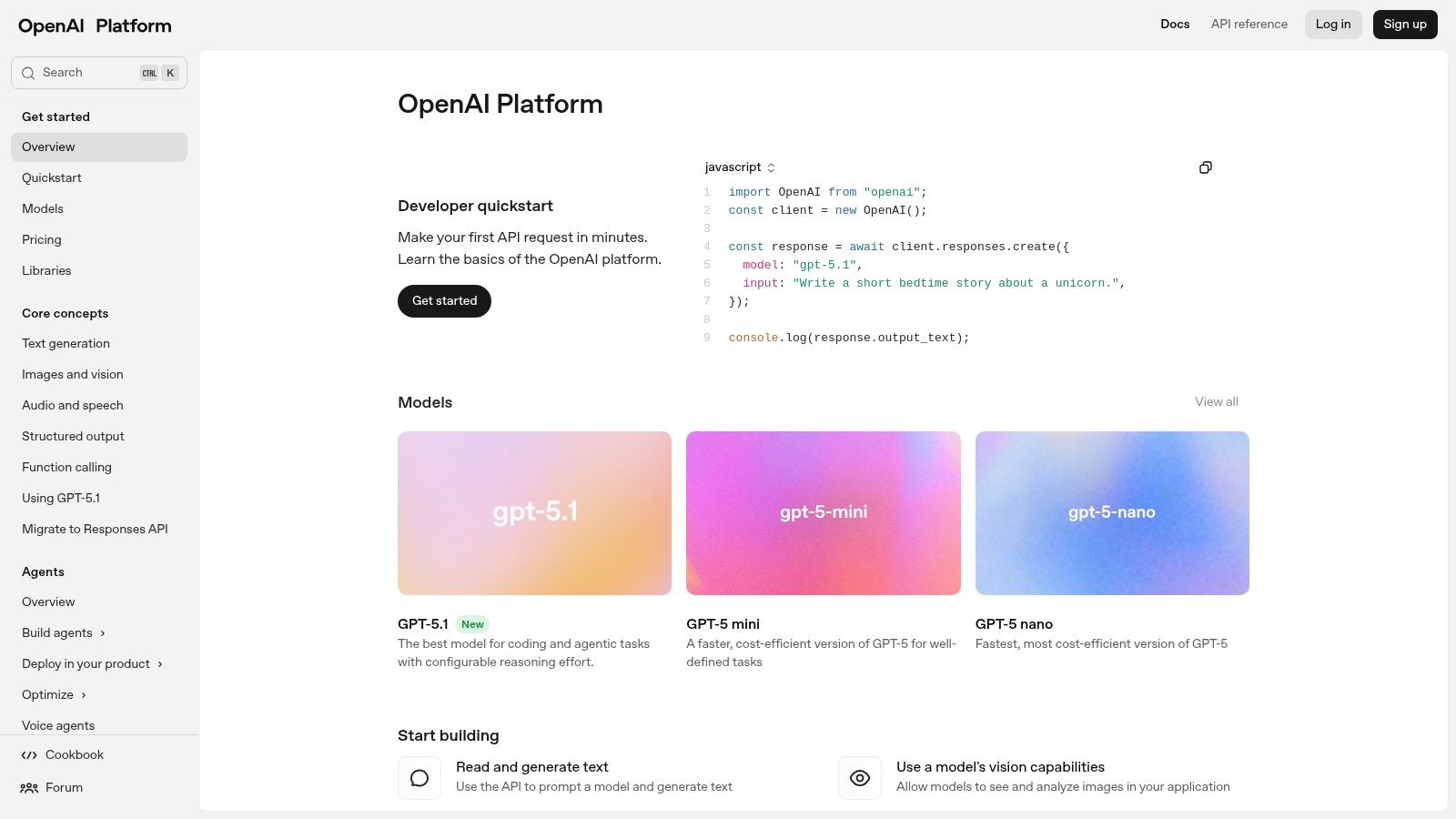
It stands out as a top-tier tool for developers due to its comprehensive API suite, which includes not only chat completions but also fine-tuning capabilities, batch processing for large-scale jobs, and specialized APIs for audio and vision. The developer console offers a clean interface for managing API keys, monitoring usage, and setting spending limits. For teams scaling up, OpenAI provides enterprise-level options with enhanced security and support.
Key Features & Use Cases
- Broad Model Portfolio: Access to leading models like GPT-4.1, GPT-4o for chat, reasoning, and multimodal tasks, plus dedicated models for embeddings and text-to-speech.
- Cost Management: Features like batch APIs and prompt caching help developers optimize expenses for high-volume applications.
- Production Tooling: Includes resources like AgentKit and official evaluation tools (
evals) to build, test, and deploy reliable AI agents. - Ideal Use Case: Building custom applications requiring high-quality, general-purpose intelligence, from sophisticated chatbots and content creation engines to complex data analysis and code generation tools. Our guide on unleashing AI in everyday tasks explores practical implementations.
Pros:
- Premier model quality and performance.
- Extensive documentation and a massive developer ecosystem.
- Flexible pay-as-you-go pricing suitable for projects of all sizes.
Cons:
- Rapid model updates and pricing changes require developers to stay informed.
- Usage spikes may necessitate requesting quota increases, which can introduce delays.
Website: https://platform.openai.com
3. Anthropic (Claude models + Claude Code)
Anthropic offers a compelling alternative in the AI model landscape with its Claude family of models, known for strong reasoning, safety, and impressive coding capabilities. For developers, accessing Claude via its dedicated API or through major cloud partners like AWS Bedrock and Google Vertex AI provides significant deployment flexibility. The platform is engineered to handle complex, multi-step instructions and long context windows, making it a powerful choice for sophisticated applications.

What makes Anthropic one of the best AI tools for developers is its focus on constitutional AI principles and its models' proficiency in generating high-quality, maintainable code. The platform's API is designed for reliability and scale, offering competitive token pricing, batch discounts for large jobs, and transparent rate limits. The recent introduction of "Tools" support, enabling features like web search and code execution, further expands its utility for building autonomous agents and complex workflows.
Key Features & Use Cases
- Advanced Reasoning and Coding: The Claude 3 model family (including Sonnet and Opus) excels at complex problem-solving, code generation, and following detailed instructions.
- Flexible Deployment Options: Access models directly through the Anthropic API or leverage existing cloud infrastructure via AWS Bedrock and Google Vertex AI integrations.
- Long-Context Capabilities: Models are equipped with large context windows, making them ideal for analyzing extensive codebases, lengthy documents, or complex user histories.
- Ideal Use Case: Developing enterprise-grade AI applications that require a high degree of reliability and safety, such as internal coding assistants, document analysis tools, and sophisticated customer support bots.
Pros:
- Excellent performance on coding and reasoning benchmarks.
- Availability through multiple major cloud partners simplifies deployment.
- Strong commitment to AI safety and responsible development.
Cons:
- Feature sets and rate limits can vary significantly between different plans.
- The consumer plan structure (Pro/Max) can introduce complexity for developers evaluating the ecosystem.
Website: https://www.anthropic.com
4. Google Cloud Vertex AI
Google Cloud Vertex AI is a comprehensive, managed machine learning platform designed for enterprise-grade development and deployment. For developers already invested in the Google Cloud ecosystem, Vertex AI provides a seamless way to build, tune, and serve AI models, including the powerful Gemini family. It offers a unified environment that streamlines the entire ML lifecycle, from data preparation to model monitoring, making it one of the best AI tools for developers building scalable, production-ready applications.
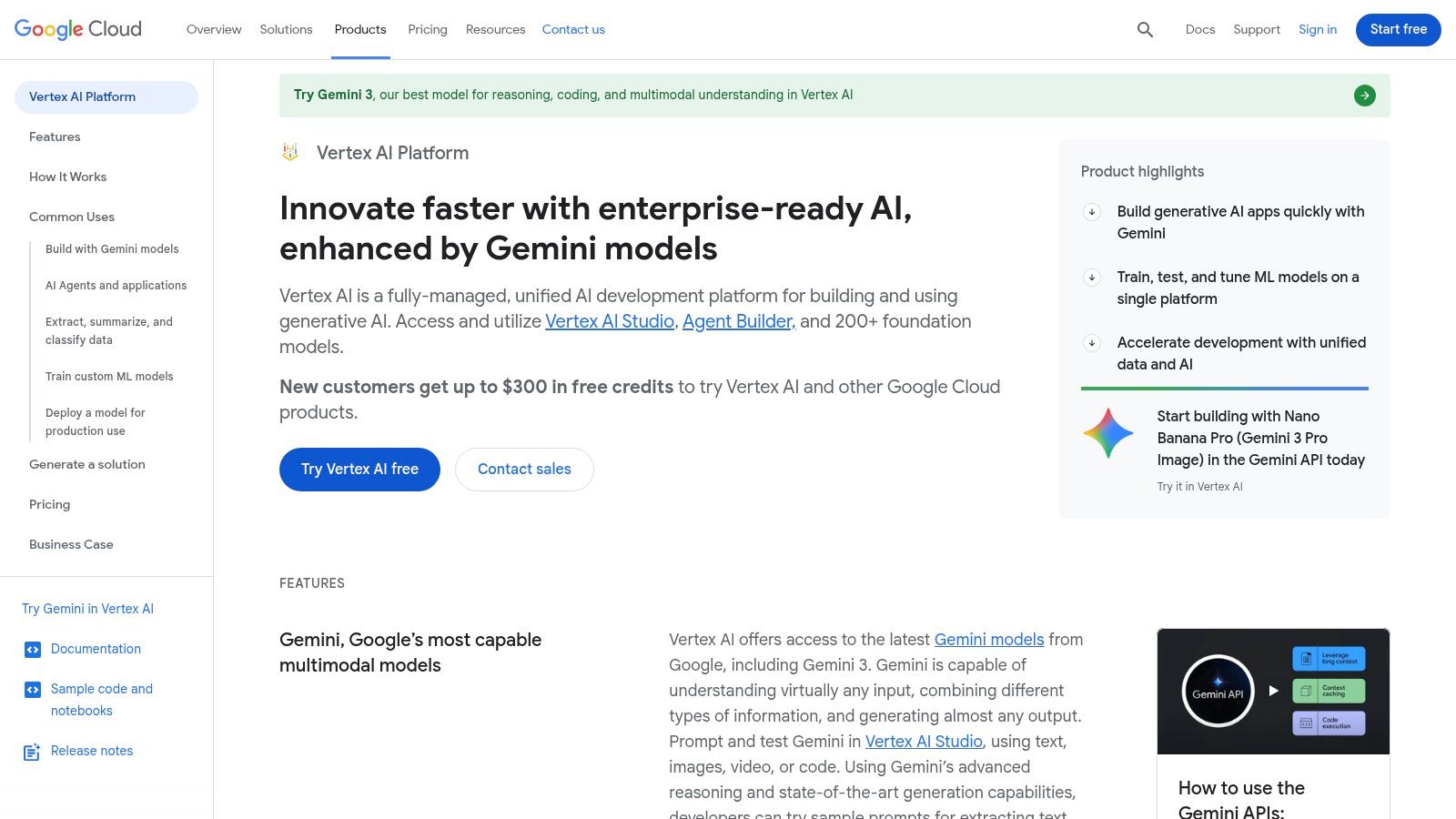
It stands out by tightly integrating state-of-the-art models with essential cloud infrastructure services. The platform offers specialized tools like code assistants, agent builders, and grounding add-ons that connect models to enterprise data sources. This deep integration simplifies the process of creating sophisticated, context-aware AI systems that leverage existing data stores and security controls within Google Cloud, making it a strategic choice for teams prioritizing stability and integration at scale.
Key Features & Use Cases
- Integrated Model Garden: Access Google's proprietary models like Gemini alongside popular open-source options, all within a single, managed environment.
- Enterprise-Ready Tooling: Features like Vertex AI Agent Builder and grounding services enable the creation of complex agents that can interact with private data and external systems securely.
- Flexible Pricing and Provisioning: Offers pay-as-you-go pricing based on characters or tokens, alongside provisioned throughput options for applications requiring predictable performance.
- Ideal Use Case: Developing and deploying enterprise-level AI applications that require deep integration with other Google Cloud services, such as BigQuery, Cloud Storage, and robust MLOps pipelines.
Pros:
- Strong and seamless integration with the Google Cloud Platform ecosystem.
- Clear and granular pricing models for throughput and data grounding features.
- Unified platform covering the entire machine learning workflow.
Cons:
- Pricing units (e.g., characters, GSUs) can be unfamiliar to those outside the GCP ecosystem.
- Feature availability and updates can sometimes roll out regionally, causing inconsistencies.
Website: https://cloud.google.com/vertex-ai
5. Microsoft Azure AI (Azure OpenAI Service, AI Studio/Foundry)
Microsoft Azure AI provides an enterprise-grade gateway to powerful AI models, including those from OpenAI, within a secure and compliant cloud environment. For organizations already invested in the Microsoft ecosystem, it offers a seamless way to integrate state-of-the-art AI while leveraging existing Azure governance, security protocols, and procurement channels. This makes it one of the best AI tools for developers in corporate settings that prioritize data residency and unified cloud management.
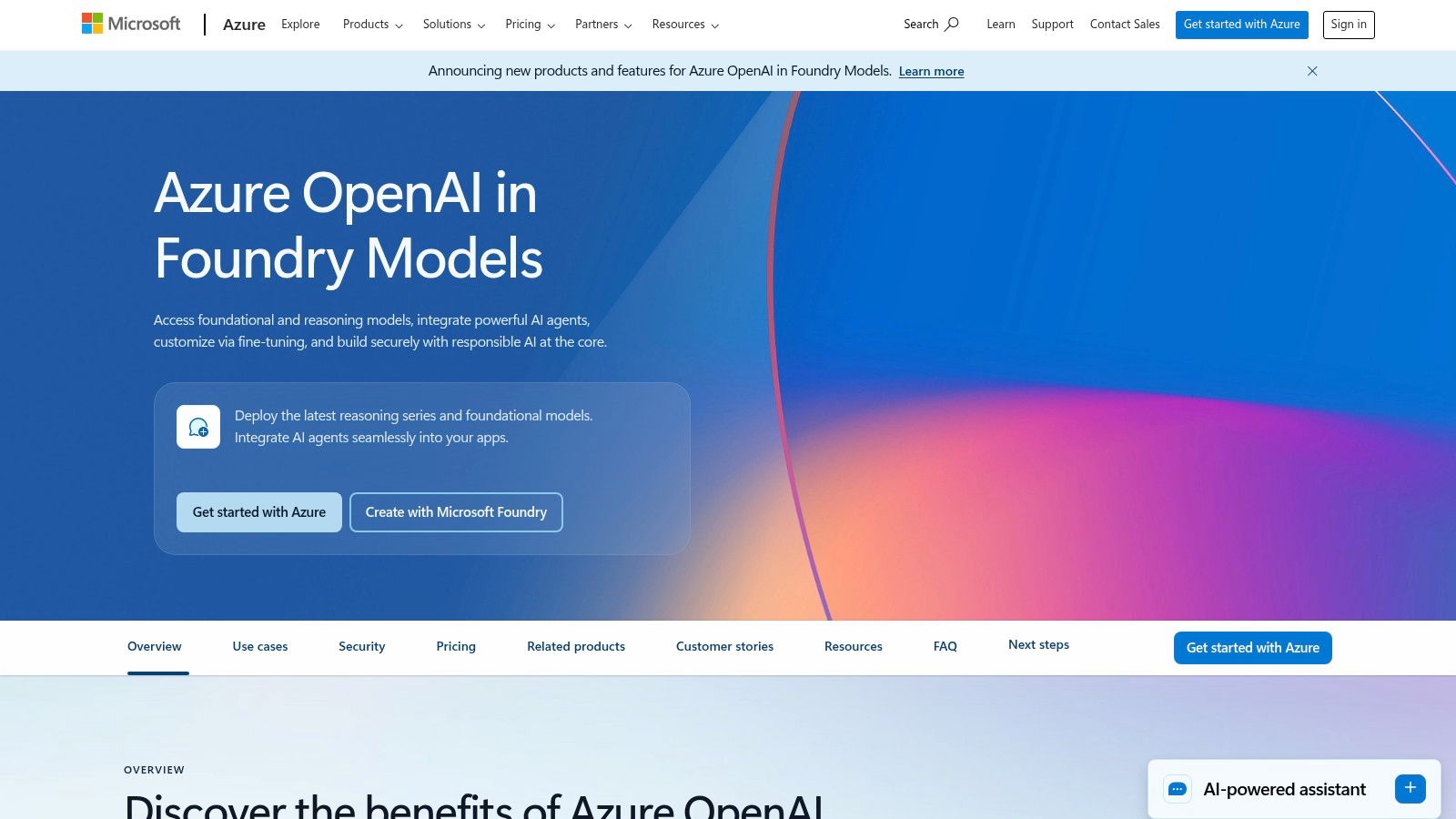
Azure AI stands out by offering OpenAI's models with the added benefits of Azure's global infrastructure. This includes private networking, regional data-zone deployments, and provisioned throughput options for guaranteed performance at scale. The platform's AI Studio acts as a comprehensive workbench for building, evaluating, and deploying models, connecting everything from data sources to endpoints within a single, managed interface.
Key Features & Use Cases
- Enterprise-Grade Security: Integrates directly with Azure Active Directory, RBAC, and other compliance frameworks for secure, governed AI deployments.
- Provisioned Throughput: Offers dedicated capacity for critical applications, ensuring consistent performance and predictable latency, which is unavailable in standard pay-as-you-go offerings.
- Regional Data Control: Allows developers to deploy models in specific geographic regions to meet data residency and compliance requirements.
- Ideal Use Case: Large enterprises building mission-critical AI applications that must adhere to strict security, compliance, and data handling policies, while leveraging existing Microsoft Azure agreements and infrastructure.
Pros:
- Top-tier enterprise security, compliance, and Azure-scale governance.
- Simplified procurement via existing Azure agreements and credits.
- Guaranteed performance options with provisioned throughput.
Cons:
- Pricing can be complex, varying significantly by model and region.
- Access to the newest models may require specific approvals or have regional limitations.
Website: https://azure.microsoft.com/en-us/products/ai-services/openai-service
6. AWS Marketplace (AI/ML category)
For development teams deeply integrated into the Amazon Web Services ecosystem, the AWS Marketplace is an indispensable hub for discovering, subscribing to, and deploying third-party AI/ML models and software. It streamlines procurement by consolidating billing through an existing AWS account, making it easier for enterprises to manage software budgets. This platform is ideal for developers looking to quickly deploy specialized, pre-trained models or full-stack MLOps tools directly into their AWS infrastructure, such as Amazon SageMaker.

The marketplace stands out by centralizing a vast catalog of algorithms, model packages, and deployable agents from a wide array of vendors. Developers can compare offerings, read reviews, and examine usage instructions and notebooks before committing. The direct deployment mechanism significantly reduces the friction of integrating new AI capabilities into existing workflows, making it one of the best AI tools for developers who prioritize operational efficiency and vendor consolidation within AWS.
Key Features & Use Cases
- Centralized Procurement: Consolidates purchasing and billing for numerous AI/ML tools and models directly through your AWS account, simplifying expense management.
- Direct SageMaker Deployment: Many products can be subscribed to and deployed as SageMaker endpoints with just a few clicks, accelerating time-to-production.
- Diverse Vendor Ecosystem: Features a broad selection of specialized models and tools for natural language processing, computer vision, speech recognition, and more.
- Ideal Use Case: An enterprise development team operating on AWS needs to quickly add a specialized fraud detection model to their application without building it from scratch, leveraging the marketplace for one-click deployment and unified billing.
Pros:
- Streamlined procurement and billing integrated with existing AWS accounts.
- Wide selection of vetted, third-party models and tools.
- Simplified deployment, especially for Amazon SageMaker users.
Cons:
- Pricing structures vary widely between vendors, requiring careful evaluation.
- Effective deployment often requires some familiarity with AWS services like SageMaker.
Website: https://aws.amazon.com/marketplace
7. GitHub Copilot (and Copilot agents)
GitHub Copilot has evolved from a powerful autocomplete tool into a comprehensive AI coding assistant deeply integrated into the developer workflow. It operates directly within major IDEs like VS Code and JetBrains, providing context-aware code suggestions, inline chat, and code review capabilities. This tight integration with the editor and the broader GitHub ecosystem makes it an indispensable tool for boosting productivity and reducing boilerplate code.
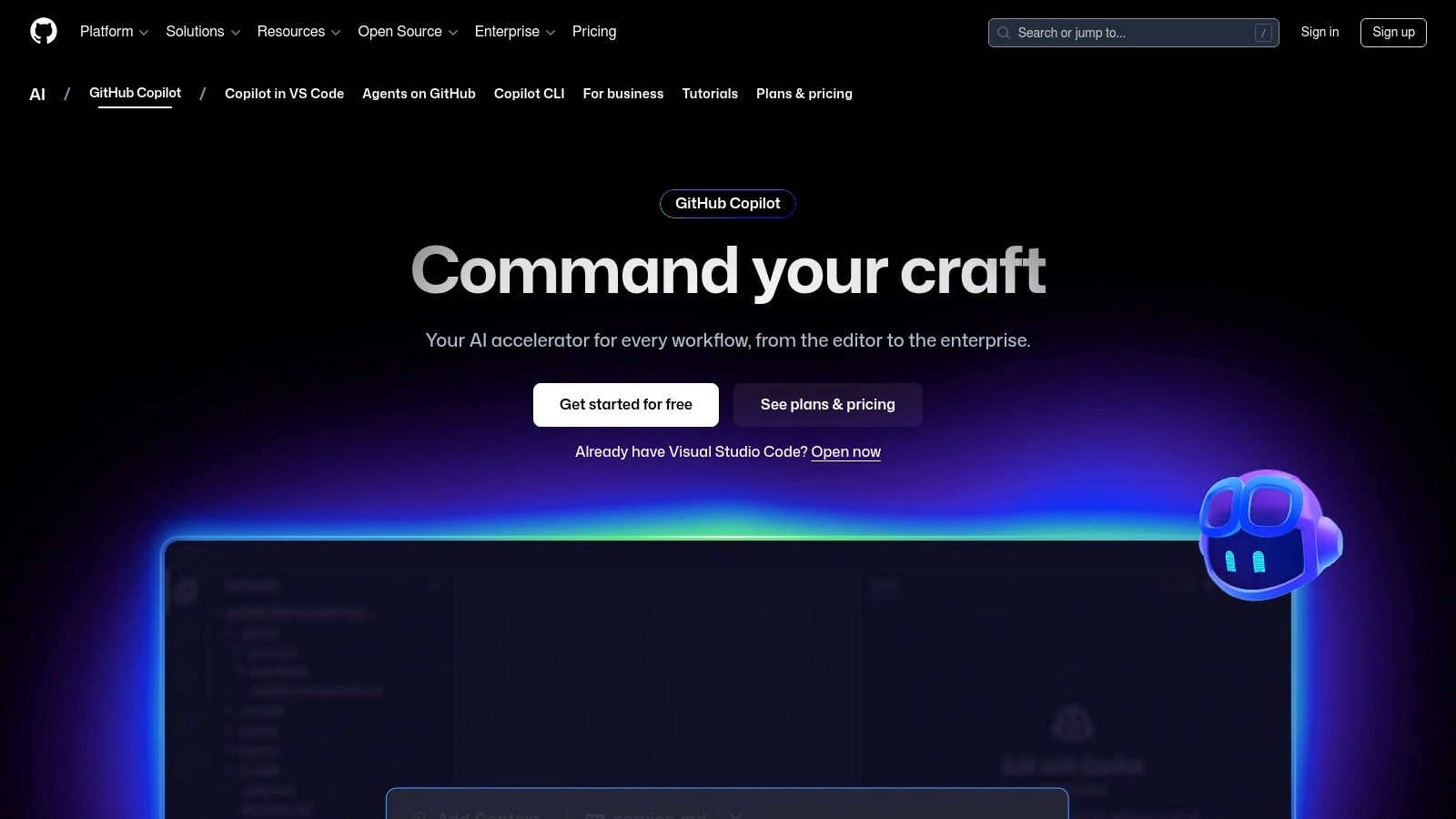
What sets Copilot apart is its expansion into agentic features. These agents can take on complex tasks by launching ephemeral virtual machines to execute code, install dependencies, and run tests, moving beyond simple code completion to active problem-solving. This makes it one of the best AI tools for developers looking for a partner that understands their entire repository and can actively participate in the development lifecycle, from writing code to debugging and deployment.
Key Features & Use Cases
- Deep IDE Integration: Offers inline autocomplete, chat, and code analysis directly within VS Code, JetBrains, and other popular editors.
- Agentic Capabilities: Copilot agents can execute tasks in isolated cloud environments, handling complex requests like creating a new API endpoint or fixing a bug report.
- GitHub Ecosystem Synergy: Seamlessly integrates with GitHub Actions, Issues, and pull requests to streamline workflows and provide context-aware assistance.
- Ideal Use Case: Individual developers and teams seeking to accelerate their coding velocity, automate repetitive tasks, and leverage an AI assistant that understands the full context of their project. You can find curated software engineering prompts on PromptDen to maximize its capabilities.
Pros:
- Unmatched integration with GitHub and leading IDEs.
- Clear and manageable plan tiers with controls for teams.
- Context-aware suggestions based on the entire codebase.
Cons:
- Premium request quotas and add-ons can incur per-request costs.
- New enterprise features may have a phased rollout.
Website: https://github.com/features/copilot
8. JetBrains AI Assistant (IDE add‑on)
The JetBrains AI Assistant is a natively integrated coding companion built directly into the JetBrains suite of IDEs like IntelliJ IDEA, PyCharm, and WebStorm. It brings powerful AI capabilities, such as contextual code completion, in-line chat, automated refactoring, and test generation, directly into the developer's existing workflow. By operating within the IDE, it leverages a deep understanding of the project's codebase to provide highly relevant and accurate assistance without requiring context switching.
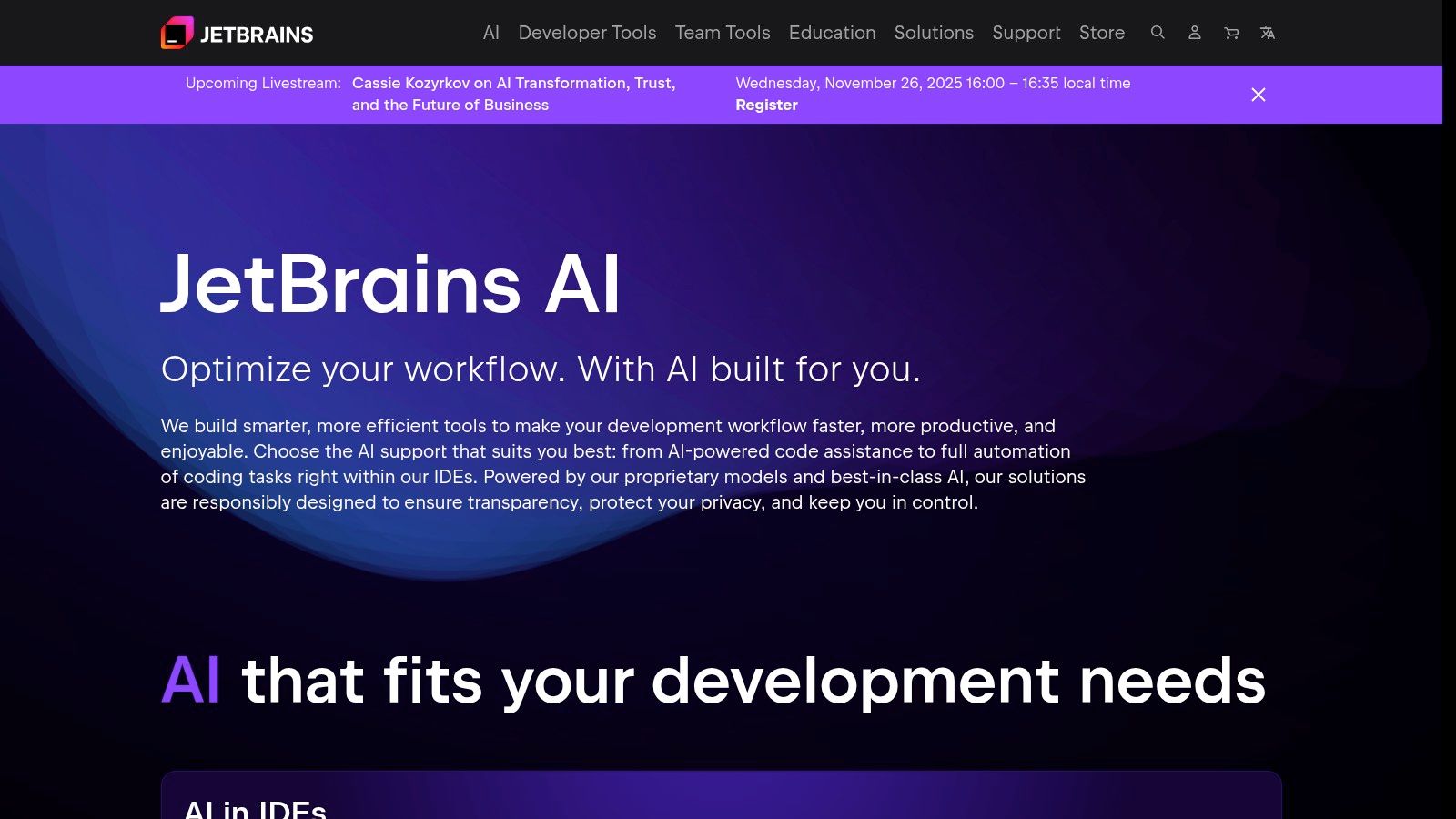
This tool stands out for its first-class integration and user experience, making it one of the best AI tools for developers already invested in the JetBrains ecosystem. While GitHub Copilot is a market leader, many developers seek alternatives that are more tightly coupled with their specific tools. For a detailed comparison of other leading options, it's worth exploring these 12 Best GitHub Copilot Alternatives for Developers to find the perfect fit.
Key Features & Use Cases
- Deep IDE Integration: Provides AI-powered actions like refactoring, documentation generation, and explaining code snippets directly within the editor's context menu.
- Model-Agnostic Support: Gives users a choice of underlying models, including options from OpenAI, Google, and Anthropic, allowing them to select the best fit for their task.
- AI Chat & Code Generation: An integrated chat interface allows developers to ask questions about their code, generate new functions, or troubleshoot issues using natural language.
- Ideal Use Case: Enhancing productivity for developers using JetBrains IDEs who want a seamless, context-aware AI assistant for daily coding, refactoring, and learning tasks.
Pros:
- Superior integration and user experience within the JetBrains toolchain.
- Flexible access tiers, including a free option and bundled access with some JetBrains subscriptions.
- Multi-provider model support offers choice and resilience.
Cons:
- The credit-based model for the Pro tier introduces another billing unit to manage.
- Feature availability and the Free tier can vary depending on the specific IDE and version.
Website: https://www.jetbrains.com/ai
9. Hugging Face (Models, Inference Endpoints, Spaces)
Hugging Face has become the definitive hub for the open-source AI community, functioning as a massive repository for models, datasets, and collaborative projects. For developers, it's an indispensable resource for discovering, experimenting with, and deploying a vast array of open-source models without being locked into a single provider's ecosystem. It empowers teams to move beyond proprietary APIs and leverage the latest community-driven innovations in natural language processing, computer vision, and more.

The platform stands out by offering a complete toolkit for the entire machine learning lifecycle. Developers can use the transformers library for local development, then seamlessly scale up with managed infrastructure like Inference Endpoints and Spaces. This integrated workflow makes it one of the best AI tools for developers who prioritize flexibility, community access, and control over their deployment stack, offering transparent, per-hour infrastructure pricing.
Key Features & Use Cases
- Massive Model Hub: Access thousands of pre-trained open-source models for nearly any AI task, from text generation to object detection.
- Managed Inference Endpoints: Deploy models on fully managed infrastructure with autoscaling on your choice of CPU, GPU, or TPU instances across multiple cloud providers.
- Spaces: A simple way to build, host, and share interactive machine learning app demos directly on the platform, with options for persistent storage and community GPU grants.
- Ideal Use Case: Teams that need to deploy specialized or fine-tuned open-source models on managed infrastructure with predictable costs, or for building and showcasing public-facing AI applications.
Pros:
- Unrivaled catalog of open-source models and datasets.
- Transparent, instance-based infrastructure pricing.
- Flexibility to choose hardware and deploy across multiple clouds.
Cons:
- Users are responsible for managing instance types and associated costs.
- Securing access to high-demand accelerator instances may require quota requests.
Website: https://huggingface.co
10. LangChain + LangSmith (framework + ops/observability)
LangChain is an open-source framework designed to simplify the creation of applications using large language models. It provides a standard interface for chains, a plethora of integrations with other tools, and end-to-end chains for common applications. Paired with LangSmith, its companion platform, it becomes one of the best AI tools for developers looking to move from prototype to production with confidence by adding robust debugging, tracing, and monitoring capabilities.

This combination stands out because it directly addresses the operational challenges of building with LLMs. LangSmith provides invaluable observability into complex chains and agentic workflows, allowing developers to see exactly how their application is behaving, diagnose errors, and evaluate performance over time. This integrated tooling is purpose-built for building and operating reliable, production-grade LLM applications that can be debugged and improved systematically.
Key Features & Use Cases
- Compositional Framework: LangChain's core library allows developers to chain together LLM calls with other components, like APIs or data sources, to build complex applications.
- LangSmith Observability: Offers detailed tracing and logging to debug complex agent interactions, monitor cost and latency, and collect feedback for continuous improvement.
- Integrated Evaluation: Provides tools to create datasets and run evaluations to test prompts, chains, and agents against key performance metrics.
- Ideal Use Case: Building and operating agentic systems or applications that require complex, multi-step logic, such as a RAG (Retrieval-Augmented Generation) pipeline. For more on this, check out our practical guide to Retrieval-Augmented Generation.
Pros:
- Strong developer tooling for reliability, debugging, and tracing.
- A free developer tier for LangSmith makes it accessible for individual projects.
- The open-source framework has a large, active community.
Cons:
- Pricing can be complex, with multiple dimensions like traces, nodes, and uptime.
- Self-hosting the full stack can create significant operational overhead if not using the hosted services.
Website: https://www.langchain.com
11. GitHub Marketplace (AI tools category)
The GitHub Marketplace is a centralized hub for discovering and integrating tools directly into your development workflow. For developers looking to add AI capabilities, its dedicated category offers a curated selection of apps and actions that automate code reviews, enhance CI/CD pipelines, and provide intelligent assistance without leaving the GitHub ecosystem. This makes it one of the best AI tools for developers who prioritize seamless integration and efficiency.
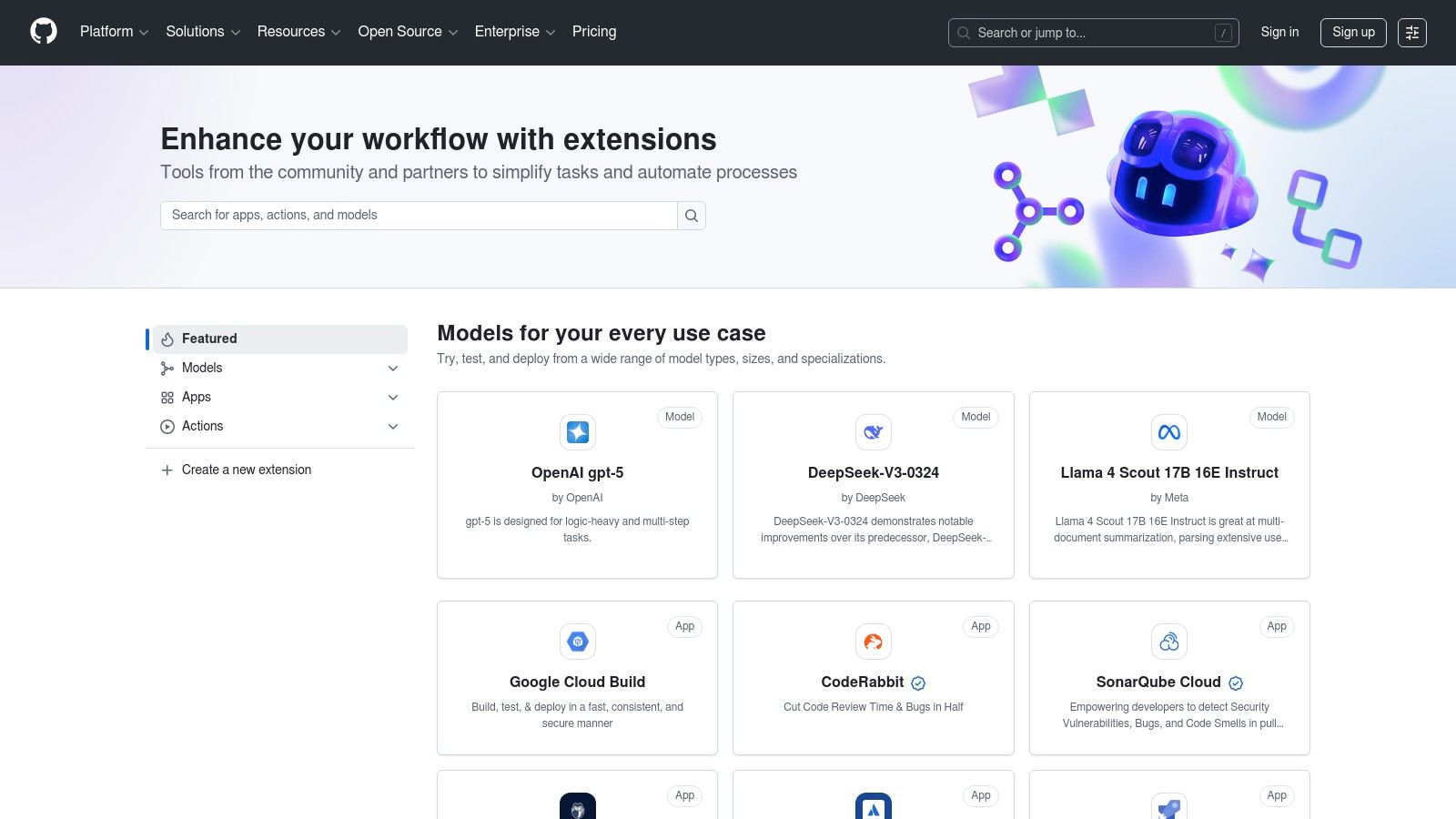
It stands out by leveraging the native GitHub environment, allowing for one-click installations and unified billing for many applications. Instead of managing separate subscriptions and complex setups, teams can discover, vet, and deploy AI-powered tools like automated pull request summarizers or security vulnerability scanners directly within their repositories. The mix of free, open-source, and paid commercial offerings provides solutions for every budget and project scale.
Key Features & Use Cases
- Tight Integration: Apps and Actions install directly into repositories, triggering on events like commits, pull requests, and issues for deep workflow automation.
- Diverse AI Tooling: A wide range of tools is available, including AI-powered code reviewers, documentation generators, test case creators, and security scanners.
- Unified Management: Simplifies procurement and administration with discoverable, versioned apps and the option for centralized billing through a GitHub account.
- Ideal Use Case: Quickly augmenting a development workflow with specialized AI tools, such as adding an automated PR reviewer to enforce coding standards or integrating a security bot into a CI/CD pipeline.
Pros:
- Effortless installation and deep integration with GitHub workflows.
- Wide selection of free, open-source, and paid tools to choose from.
- User reviews and ratings help in vetting tool quality.
Cons:
- The quality and support for third-party listings can vary significantly.
- Some tools still require separate account creation or billing outside of GitHub.
Website: https://github.com/marketplace
12. G2 — AI Coding Assistants
Before committing to a specific AI coding assistant, it's crucial to evaluate the crowded market, and G2's dedicated category page is an invaluable resource for this. It aggregates real-world user reviews, ratings, and comparisons for leading tools like GitHub Copilot, Codeium, and Sourcegraph Cody. Instead of relying solely on vendor marketing, developers can get an unfiltered view of each platform's performance, ease of use, and overall satisfaction from peers.
This platform stands out by transforming the selection process from guesswork into a data-driven decision. It provides filterable rankings, side-by-side feature comparisons, and detailed grid reports that segment the market by company size and user satisfaction. For developers tasked with choosing a tool for their team, this is one of the best ways to shortlist options and justify a purchase by referencing unbiased, community-sourced feedback.
Key Features & Use Cases
- Aggregated User Reviews: Access thousands of reviews from verified users, detailing the pros and cons of each AI coding assistant in practical, real-world scenarios.
- Comparison Tools: Use G2's grid and comparison features to directly stack up tools on key attributes like code completion quality, IDE integration, and support.
- Market Presence Data: Understand a tool's market penetration and momentum through reports showing its presence across different business segments.
- Ideal Use Case: A developer or engineering manager evaluating which AI coding assistant to adopt for their team. It helps in shortlisting the top 2-3 options before starting free trials.
Pros:
- Provides unbiased, peer-driven insights to cut through marketing hype.
- Excellent for comparing features and user satisfaction scores side-by-side.
- Free to browse and access most core review data.
Cons:
- Deeper analytics and full reports may be gated behind a free account sign-up.
- Be aware of sponsored placements, which can influence initial visibility.
Website: https://www.g2.com/categories/ai-coding-assistants
Top 12 AI Tools for Developers — Feature & Capability Comparison
| Platform / Core offering | Unique features ✨ | Target audience 👥 | UX / Quality ★ | Pricing / Value 💰 |
|---|---|---|---|---|
| PromptDen 🏆 — Community prompt marketplace (text/image/video) | ✨ PromptForge; browser extensions; trending lists; built-in marketplace | 👥 Creators, marketers, devs, designers, beginners→pros | ★★★★ (curated + community-vetted; quality varies) | 💰 Creator-driven marketplace; pricing varies; no public subscription |
| OpenAI Platform (models + APIs) | ✨ Broad multimodal models, fine‑tuning, Realtime, Agent tools | 👥 Developers & enterprises needing SOTA models | ★★★★★ (state‑of‑the‑art) | 💰 Pay‑as‑you‑go + enterprise; transparent pricing |
| Anthropic (Claude models) | ✨ Claude Code, long‑context models, cloud partner availability | 👥 Devs focused on coding & reasoning | ★★★★ (strong coding/reasoning) | 💰 Competitive token pricing; tiered plans |
| Google Cloud Vertex AI | ✨ Gemini family, Agent Engine, grounding add‑ons, GCP integration | 👥 Enterprises & GCP teams | ★★★★ (enterprise‑grade) | 💰 Character/token + add‑ons; regional pricing |
| Microsoft Azure AI | ✨ Azure OpenAI, regional/data‑zone deployments, RBAC/compliance | 👥 Enterprises requiring Azure governance | ★★★★ (secure & integrated) | 💰 Model/region specific; reservation discounts |
| AWS Marketplace (AI/ML) | ✨ Deployable listings to SageMaker; notebooks & reviews | 👥 AWS customers & procurement teams | ★★★ (varied vendor quality) | 💰 Varies per listing; pay‑as‑you‑go / SaaS / contracts |
| GitHub Copilot (and agents) | ✨ Inline autocomplete, chat, ephemeral agent VMs | 👥 Developers in VS Code / GitHub ecosystem | ★★★★ (IDE‑native productivity) | 💰 Clear plans & team tiers; add‑on request costs |
| JetBrains AI Assistant | ✨ Multi‑file edits, model‑agnostic, AI Credits system | 👥 JetBrains IDE users & dev teams | ★★★★ (first‑class IDE UX) | 💰 Free tier + credit‑based paid plans; bundle options |
| Hugging Face (Models & Endpoints) | ✨ Huge OSS model hub; Inference Endpoints; Spaces | 👥 ML teams, researchers, OSS adopters | ★★★★ (flexible; user‑managed infra) | 💰 Transparent infra pricing; pay per instance/hour |
| LangChain + LangSmith | ✨ Dev framework + hosted tracing, evals, observability | 👥 Developers building agentic/LLM apps | ★★★★ (dev‑tooling & observability) | 💰 Free developer tier; paid team/node pricing |
| GitHub Marketplace (AI tools) | ✨ Repo‑integrated Actions & Apps, reviews & install flows | 👥 Dev teams adding CI/AI tooling | ★★★ (wide selection; quality varies) | 💰 Mix of free/open‑source/paid; GitHub billing |
| G2 — AI Coding Assistants | ✨ Aggregated reviews, Grid reports, vendor comparisons | 👥 Buyers shortlisting AI coding tools | ★★★ (user reviews + market insights) | 💰 Free to browse; vendor pricing linked |
Choosing the Right AI Tools for Your Development Workflow
We've explored a comprehensive landscape of the best AI tools for developers, from foundational model platforms like OpenAI and Anthropic to integrated development environment (IDE) powerhouses like GitHub Copilot. The journey from traditional coding to AI-augmented development is not about replacing human ingenuity but amplifying it. The tools detailed in this guide represent the current vanguard of this transformation, each offering a distinct pathway to enhanced productivity, creativity, and code quality.
The key takeaway is that there is no single "best" tool, only the best tool for your specific context. A solo developer fine-tuning a niche open-source model on Hugging Face has vastly different needs than an enterprise team deploying a fleet of secure, scalable endpoints using Azure AI Studio. Your choice will be a balancing act between power, cost, ease of integration, and your team's existing expertise.
Synthesizing Your AI Tool Strategy
Making the right selection requires a strategic approach. Before committing to a platform or subscription, consider the following critical factors:
- Problem-First Mindset: Don't adopt AI for its own sake. Identify a specific, persistent bottleneck in your workflow. Is it repetitive boilerplate code? Is it generating complex unit tests? Is it understanding a legacy codebase? Let the problem dictate the solution, not the other way around. GitHub Copilot excels at the first, while a powerful model like Claude 3 via its API might be better for the latter two.
- Start Small, Scale Smart: The allure of a full-scale platform like Google Cloud Vertex AI is strong, but a more pragmatic approach is to begin with a low-friction tool. Integrate a code assistant into your IDE or use a framework like LangChain to build a small-scale proof-of-concept. This allows you to learn the nuances of AI interaction and demonstrate value quickly before seeking buy-in for larger investments.
- Integration and Ecosystem: The most powerful tools are those that seamlessly fit into your existing stack. Consider how a tool integrates with your source control (GitHub), your cloud provider (AWS, Azure, GCP), and your observability stack. LangSmith, for instance, is designed to give you deep visibility into your LLM chains, a crucial component for debugging and production monitoring that standalone model APIs lack.
- The Prompt is Paramount: Your success with any of these AI tools hinges on one non-negotiable skill: prompt engineering. The most advanced model is only as good as the instructions you provide. A vague request will yield a generic, often unhelpful, response. A precise, context-rich, well-structured prompt is what unlocks the true potential for generating robust code, insightful documentation, and effective test cases.
Your Next Steps in AI-Powered Development
Navigating this rapidly evolving ecosystem can feel overwhelming, but the path forward is clear. Begin by experimenting. Many of the tools listed, from IDE assistants to cloud platforms, offer free tiers or trials. Use these opportunities to test their capabilities against a real-world problem you are facing today.
As you evaluate, focus on the user experience and the quality of the output for your specific domain. A tool that excels at Python scripting might not be the best fit for generating complex SQL queries or frontend components. For an even more focused comparison to help you start, our curated guide on the Top 10 Best AI for Programming in 2025 provides an excellent overview of leading options tailored for programming tasks.
Ultimately, integrating the best AI tools for developers into your workflow is an iterative process. It requires curiosity, a willingness to experiment, and a commitment to mastering the craft of communicating with AI. By choosing wisely and investing in your prompting skills, you are not just adopting a new tool; you are fundamentally upgrading your entire development process for a new era of software creation.
Ready to master the most critical skill for leveraging these AI tools? PromptDen is a community-driven platform where you can discover, share, and deploy thousands of high-quality prompts and workflows tailored for developers. Stop guessing and start building with proven templates for code generation, debugging, and more on PromptDen.